- Pressing intensity in football what is this indicator in simple words
- How is pressing intensity calculated and what data is needed
- Pressing intensity in match statistics how to interpret the metric value
- How to obtain pressing intensity data through sports events API
- Using pressing intensity API for football analytics and predictions
- Integrating pressing intensity from API into your applications and services
- What other pressing metrics are available in the API besides pressing intensity
Pressing intensity in football what is this indicator in simple words
Pressing intensity (intensity of pressing) is a quantitative assessment of how actively a team takes the ball from the opponent without the ball. Simply put, the metric shows how much freedom and time the opponent gets during the play, and how aggressively the team pressures the ball and players. The higher the intensity, the more often tackles, interceptions, duels, and attempts to disrupt passes occur.
In practice, pressing intensity is usually calculated based on such an indicator as PPDA (passes allowed per defensive action) — the number of passes the opponent manages to make before the team performs a defensive action (tackle, interception, foul in active defense phase, etc.) in a certain area of the field. A low PPDA indicates a high level of pressure, while a high PPDA indicates a passive, low defensive line. In analytics, it is common to convert PPDA or similar values into a convenient intensity index to compare different clubs, matches, and segments of the game.
For developers and analysts, it is especially important that pressing intensity can be calculated automatically from detailed match statistics. The service by the sports events API api-sport.ru provides advanced football data: ball passes, duels, tackles, interceptions, entries into the final third, possession, and other parameters. Based on these, it is easy to build your own pressing intensity index for any team, match, or tournament and use it in forecasting models, team scoring, or visualizations in your products.
How is pressing intensity calculated and what data is needed
There is no single standard for calculating pressing intensity in professional analytics. However, most models use the logic of PPDA: the fewer passes a team allows the opponent before an active defensive action, the more aggressive the pressing is considered. Formally, PPDA = (opponent’s passes in the specified zone) / (tackles + attempts to tackle + interceptions + fouls in the same zone). This value can then be inverted or normalized into a convenient intensity index.
For such calculations, raw statistical data from the match is needed. The minimum set: the number of opponent’s passes (often only those in their first and middle thirds of the field are considered), the number of tackles, interceptions, duels in defense, and fouls committed under active pressure. All of this is available in the array matchStatistics of football matches in the API: here are the metrics passes, totalTackle, interceptionWon, ballRecovery, fouls, and other key indicators. At the API level, you get basic events, and you set the formula for the index yourself according to your approach.
Additionally, pressing intensity is often normalized by time (for 90 minutes or for a segment, such as the first half) and by field zone. For this, data on match periods and the current minute is useful (currentMatchMinute), as well as the breakdown of statistics by halves from matchStatistics. Using these fields, you can build both an overall intensity index for the entire match and dynamics by halves or 15-minute intervals. Such flexible calculations are especially convenient when you automate analytics through the API and want to receive uniform metrics for thousands of games.
Pressing intensity in match statistics how to interpret the metric value
The pressing intensity indicator itself is a number that says little without context. It is important to understand how it relates to PPDA or another basic formula. If you are using the classic PPDA, lower values indicate high pressing: the opponent makes few passes before encountering a tackle or interception. However, if you convert PPDA into an index, for example on a scale from 0 to 100, then conversely, a high index will mean aggressive pressure. The main thing is to fix the interpretation and always use it consistently.
Typical ranges look like this: teams with very high pressure may have a PPDA around 5-8, moderately pressing teams – 8-12, teams with a low block – 12-18 and above. In terms of intensity index (where 100 is the most aggressive pressing), values above 70-75 usually indicate systemic pressure, while below 40 indicates passive defense. However, the exact boundaries depend on the league, team style, and season period, so it is more accurate to compare clubs within the same tournament and time frame.
When working with API data, it is important to look not only at the absolute value but also at the structure of the statistics in matchStatistics. For example, if the pressing intensity is high but the team has many fouls and few interceptions, this may indicate chaotic high-risk pressing. If, however, the intensity is combined with a large number of tackles and ball recoveries (ballRecovery) in the final third, then it refers to a structured pressure system. By comparing your own index with possession parameters, number of shots, and xG metrics (if you calculate them separately), you can gain a deeper understanding of how the pressing style affects the result.
How to obtain pressing intensity data through sports events API
Direct metrics pressingIntensity are usually not present in standard football statistics — they are calculated on top of raw data. Through the sports events API, you get all the necessary data: possession, passes, duels, tackles, interceptions, fouls, and other parameters from the object matchStatistics. Your task is then to choose a formula and implement the calculation on your server or in an analytical script.
The platform’s API provides endpoints /v2/football/matches и /v2/football/matches/{matchId}, which return an array matchStatistics for each match. To get started, register and obtain an API key at your personal account at api-sport.ru. After that, you can authorize requests via the header Authorization and automatically collect statistics for the selected leagues and dates.
An example API request to obtain match statistics
const matchId = 14570728;
fetch(`https://api.api-sport.ru/v2/football/matches/${matchId}`, {
  headers: {
    'Authorization': 'YOUR_API_KEY'
  }
})
  .then(res => res.json())
  .then(data => {
    const match = data;
    const stats = match.matchStatistics; // массив периодов и групп
    // Далее из stats можно извлечь передачи, отборы, перехваты
    // и вычислить свой индекс pressing intensity
  });
In the response, you will receive a detailed structure: periods (ALL, 1ST, 2ND), statistic groups (Defending, Duels, Passes, etc.) and individual metrics with keys, for example passes, totalTackle, interceptionWon, ballRecovery. Just select the necessary keys and calculate PPDA or another formula for pressing intensity. This approach is flexible: you can adapt the model to your methodology without waiting for a ready-made index in someone else’s external service.
Using pressing intensity API for football analytics and predictions
Pressing intensity is one of the key factors that affects the number of shots on goal, the frequency of ball losses by the opponent, and the overall structure of the game. Therefore, including pressing intensity in analytical models provides a significant advantage over basic statistics like «shots» and «possession.» If you obtain match data via the API and calculate the pressure index, you can use it in pre-match and live models, team strength assessments, ranking construction, and even in coaching scoring.
Based on the data provided by the platform api-sport.ru, it is easy to build a connection: pressing intensity + xG, pressing intensity + possession dynamics, pressing intensity + bookmaker odds changes (oddsBase). For example, if a team sharply increased its pressing after the break, and the odds on its victory in live betting have not yet adapted, this may be a signal for betting or adjusting the probability model. Similarly, high intensity without a corresponding number of shots may indicate ineffective pressure, which is also important to consider.
Example: adding pressing intensity to a simple forecasting script
import requests
API_KEY = 'YOUR_API_KEY'
BASE_URL = 'https://api.api-sport.ru/v2/football/matches'
params = {
    'date': '2025-09-03',
}
headers = {
    'Authorization': API_KEY
}
resp = requests.get(BASE_URL, params=params, headers=headers)
matches = resp.json().get('matches', [])
for m in matches:
    stats = m.get('matchStatistics', [])
    # далее извлекаем передачи и отборы, считаем простой PPDA
    # ppda = passes_opponent / defensive_actions
    # pressing_index = 100 / (1 + ppda)
    # и используем pressing_index в собственной модели прогноза
Even such a simplified approach already allows segmenting teams by style and adjusting outcome probabilities. In more advanced solutions, positional data, match history, and individual player statistics are added to pressing intensity, but the foundation is always the same: a reliable data stream through the API and a clear calculation formula.
Integrating pressing intensity from API into your applications and services
After you have determined the formula for calculating pressing intensity, the next step is to integrate this metric into your products: analytical dashboards, mobile applications, statistics services, or betting tools. A typical architecture looks like this: the backend periodically queries the sports events API, saves raw match data, calculates the pressing intensity index, and sends the ready values to the frontend or external users. This approach offloads client applications and allows for system scalability.
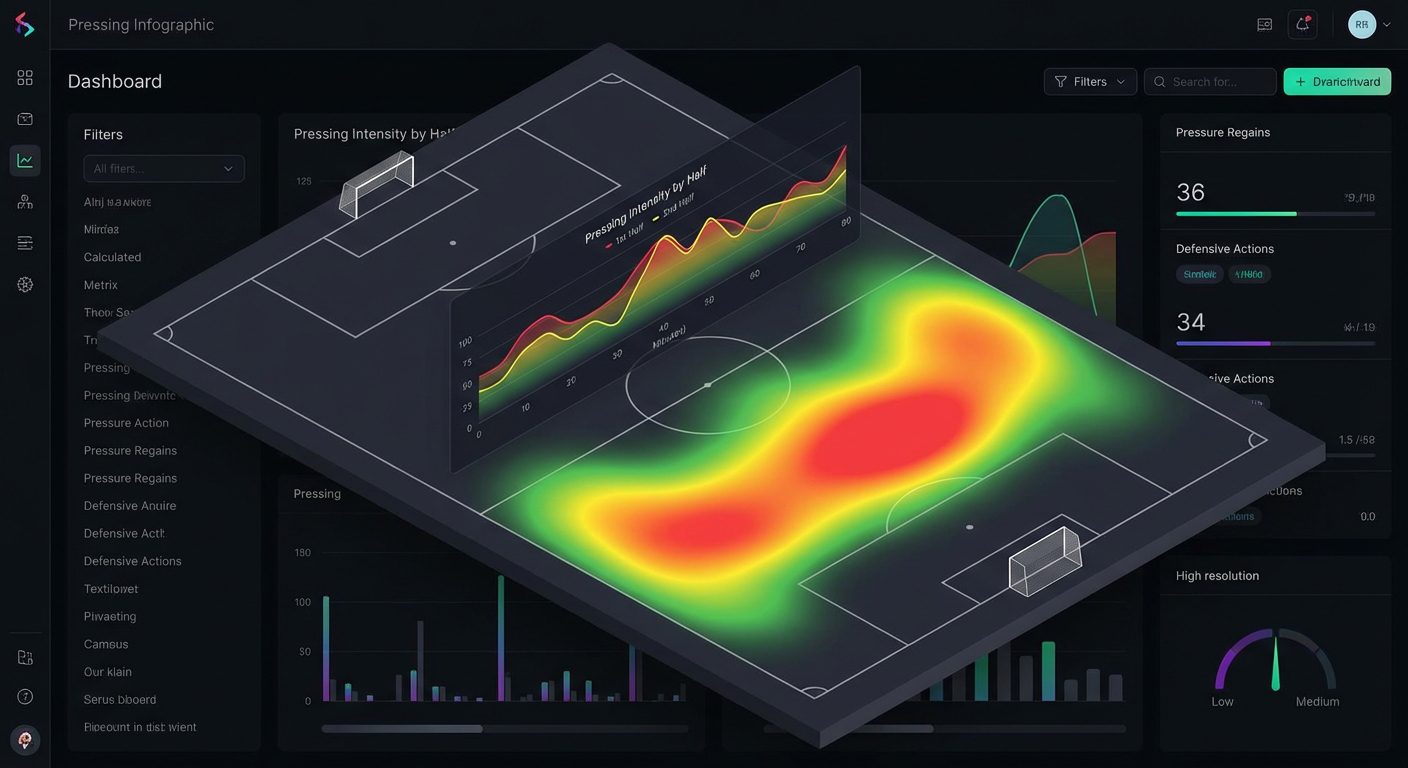
Through the endpoint /v2/football/matches you can get a list of games for the day, by tournament, or for a specific team. Then you extract from matchStatistics the necessary metrics and form your own object, for example pressingIntensityHome и pressingIntensityAway. These values can be conveniently visualized as indicators, graphs over time, or heat maps, combined with possession, shots, and xG. Given that there are already fields in the API currentMatchMinute и liveEvents, you can update the index in real time and show the dynamics of pressing during the match.
Integration scheme at the code level
// Псевдокод фонового сервиса
async function updatePressingIndex() {
  const res = await fetch('https://api.api-sport.ru/v2/football/matches?status=inprogress', {
    headers: { 'Authorization': 'YOUR_API_KEY' }
  });
  const data = await res.json();
  for (const match of data.matches) {
    const stats = match.matchStatistics;
    // calculatePressingIntensity — ваша функция расчета индекса
    const pressingHome = calculatePressingIntensity(stats, 'home');
    const pressingAway = calculatePressingIntensity(stats, 'away');
    // сохранить результаты в БД или отдать во фронтенд через WebSocket
    await savePressingToDB(match.id, pressingHome, pressingAway);
  }
}
As the platform evolves, new capabilities become available — including WebSocket connections and AI modules for advanced analysis. This will allow updating pressing intensity almost instantly and using machine learning to find complex patterns in the dynamics of pressing. Your current integration based on REST endpoints will be a natural foundation for transitioning to a more «live» data stream.
What other pressing metrics are available in the API besides pressing intensity
Although pressing intensity itself is a derived metric, the football events API provides many «building blocks» that describe pressing from different angles. In the block Defending в matchStatistics you will find metrics totalTackle, wonTacklePercent, interceptionWon, ballRecovery, totalClearance — they characterize how often and effectively a team engages in tackles, intercepts the ball, and clears it from dangerous areas. This data allows assessing not only the volume of pressure but also the effectiveness of defensive actions.
In the group Duels metrics such as duelWonPercent, groundDuelsPercentage, aerialDuelsPercentage, dribblesPercentage. They reflect whether the team wins the majority of duels in the center of the field and on the flanks — an important indicator of pressing quality. In the section Passes there are finalThirdEntries, accurate passes, crosses, and long passes, which make it easy to judge how high the team meets the opponent and how successfully it advances the ball after regaining possession. In conjunction with possession (ballPossession) and the number of fouls, you get a complete picture.
A fragment of match statistics with defensive metrics
{
  period: 'ALL',
  groups: [
    {
      groupName: 'Defending',
      statisticsItems: [
        { key: 'totalTackle', homeValue: 11, awayValue: 9 },
        { key: 'interceptionWon', homeValue: 2, awayValue: 11 },
        { key: 'ballRecovery', homeValue: 36, awayValue: 40 }
      ]
    },
    {
      groupName: 'Duels',
      statisticsItems: [
        { key: 'duelWonPercent', homeValue: 57, awayValue: 43 }
      ]
    }
  ]
}
By combining these indicators, you can build your own pressure indices, quality of defense in the middle and final thirds, resistance to the opponent’s pressing, and much more. As a result, a single stream of data from the API covers the needs of both tactical analysts and betting model developers, as well as media content creators. All of this makes using a sports API the optimal choice if you want to gain a deep insight into pressing without expensive tracking systems.