- What is the match event queue in the sports data API
- What information about match events can be obtained through the API
- How to properly design the structure of match event queues
- The order of processing match events in real-time through the API
- Best practices for dealing with delays and duplicates in match event queues
- Examples of implementing sports match event queues on popular APIs
What is the match event queue in the sports data API
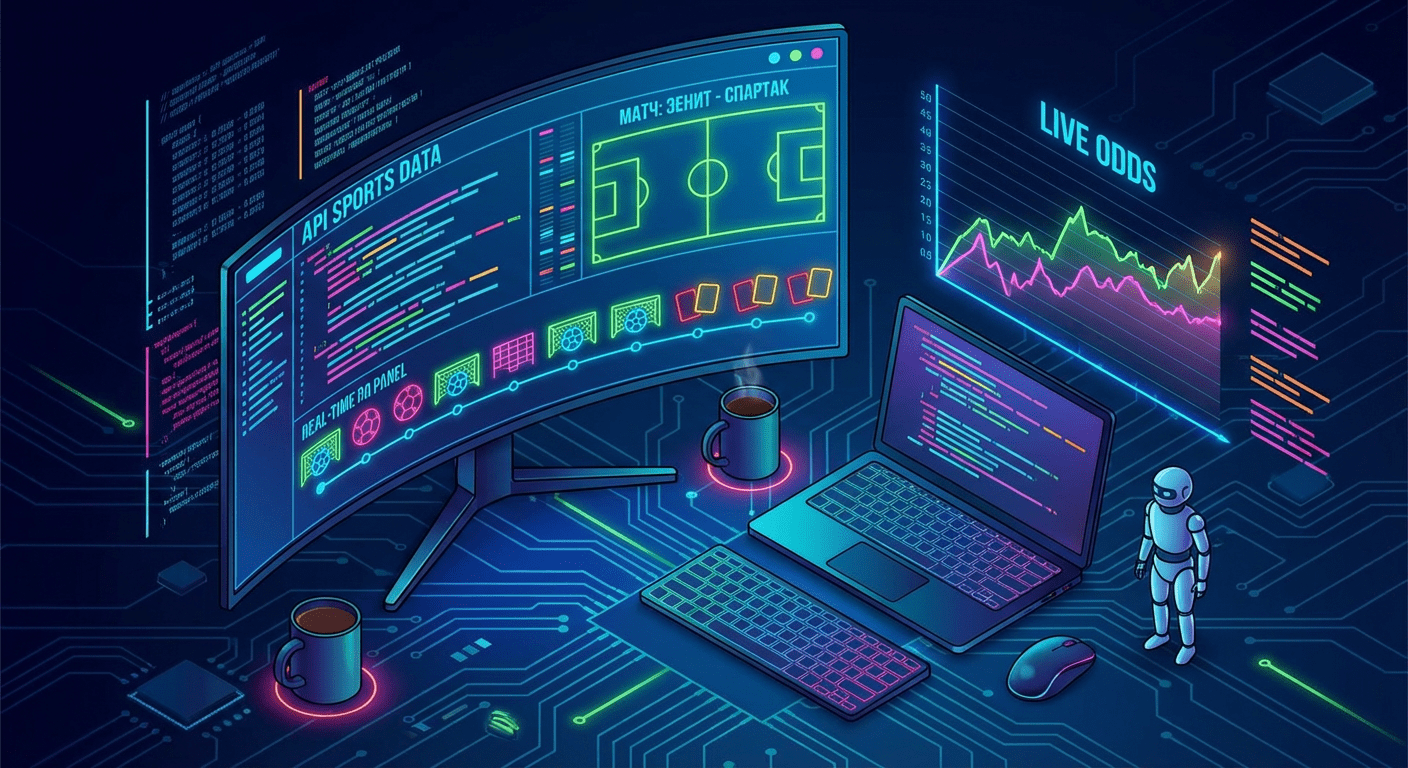
The match event queue in the context of a sports API is an ordered stream of micro-events that occur during the game: goals, cards, substitutions, pauses, added time, VAR decisions, score changes, and odds. Each such action is recorded by the data provider, receives an exact time, type, and additional parameters, and then becomes an element of the queue. A well-structured queue allows for a complete picture of the match to be restored step by step at any moment, without breaks and logical errors.
When working with sports event APIs, it is important to understand that the endpoints themselves provide «raw» data: a list of matches, an array of live events, statistics, odds. Your task as a developer is to turn this data into your own processing queue. On the platform api-sport.ru — API of sports events all events are normalized by sports types (football, hockey, basketball, tennis, table tennis, esports, and others), which allows for building a unified queue mechanism for different disciplines without complex manual adaptation.
The event queue is especially critical for betting services, live scores, media platforms, and analytical systems. The accuracy of live pages, the correctness of bet calculations, the operation of alert systems, and internal algorithms depend on how accurately you process the sequence of events. Today, the queue can already be built based on HTTP requests to the API, and in upcoming platform updates, a WebSocket connection will be introduced, allowing events to be received immediately via a push model and managing queues in real-time even more reliably.
What information about match events can be obtained through the API
Through the sports events API, you can receive both aggregated information about matches and detailed chronology. The endpoint /v2/{sportSlug}/matches returns a list of matches with the current status, the field currentMatchMinute, the score, extended statistics matchStatistics, as well as oddsBase for betting. For football, this includes possession, shots, fouls, offsides, goalkeeper saves, and dozens of other metrics. Similar structures are available for hockey, basketball, tennis, and other sports, allowing for the construction of universal event queues.
The event chronology for a specific match is available through the endpoint /v2/{sportSlug}/matches/{matchId}/events. In the response, you receive an array of LiveEvent objects with the event type (goal, card, substitution, penaltyShootout, varDecision, period, etc.), the event time in minutes, the team (home/away), players, the score after the event, and additional information. This data fits perfectly into the queue model: each LiveEvent object is an independent «element» of the stream that can be stored in a message broker, database, or application memory, and then processed sequentially.
Below is a simplified example of obtaining events for a football match by its identifier and forming a basic queue array in JavaScript. The example uses the official API host and an authorization header. In a real project, it is convenient to store the key in settings or retrieve it from a secure storage.
const sportSlug = 'football';
const matchId = 14570728;
async function loadMatchEvents() {
  const response = await fetch(
    'https://api.api-sport.ru/v2/' + sportSlug + '/matches/' + matchId + '/events',
    {
      headers: {
        Authorization: 'YOUR_API_KEY'
      }
    }
  );
  const data = await response.json();
  // Очередь событий матча
  const eventQueue = data.events || [];
  eventQueue.forEach((eventItem) => {
    // Здесь можно обработать событие: сохранить в БД, отправить в брокер и т.д.
    console.log(eventItem.time, eventItem.type, eventItem.homeScore + ':' + eventItem.awayScore);
  });
}
loadMatchEvents().catch(console.error);
How to properly design the structure of match event queues
To ensure that the match event queue is resilient, scalable, and predictable, it is important to design its structure in advance. The basic unit of such a queue is an event that you receive from the events endpoint or the liveEvents field of the match object. Within your application, the event should have a clear identifier, a reference to the match, a timestamp, a type, and a payload. A good practice is to separate «game» time (match minute, period) and «system» time (timestamp of receiving/recording the event on the API side) to be able to correctly restore the order in case of delays or changes.
A reliable event model in the queue may include the following fields: internal eventId (for deduplication), matchId, sportSlug, eventTimeMinute, systemTimestamp, eventType, teamSide, payload (a dynamic object with details: players, reason, score, card type, etc.). Such a structure maps well to the LiveEvent data schema from the API and allows for easy serialization of the event to JSON, placing it in a message broker (e.g., Kafka or RabbitMQ), as well as saving it in a database for subsequent analytics. For different sports, you can use a common model, extending the payload with specific fields.
Below is an example of simple typing for the event queue in JavaScript/TypeScript-like syntax. Such an abstraction helps to unify the work with queues for football, hockey, basketball, and other supported disciplines. the api-sport.ru platform.
// Базовый тип элемента очереди событий
class MatchEvent {
  constructor({
    eventId,
    matchId,
    sportSlug,
    eventTimeMinute,
    systemTimestamp,
    eventType,
    teamSide,
    payload
  }) {
    this.eventId = eventId;              // строка, уникальный идентификатор события
    this.matchId = matchId;              // ID матча из API
    this.sportSlug = sportSlug;          // football, ice-hockey, basketball, tennis и т.д.
    this.eventTimeMinute = eventTimeMinute; // минута матча
    this.systemTimestamp = systemTimestamp; // timestamp получения
    this.eventType = eventType;          // goal, card, substitution, oddsChange и др.
    this.teamSide = teamSide;            // home или away
    this.payload = payload || {};        // дополнительные данные события
  }
}
// Пример создания события из LiveEvent
function mapLiveEventToQueueItem(matchId, sportSlug, liveEvent) {
  const eventId = matchId + ':' + liveEvent.time + ':' + liveEvent.type + ':' + (liveEvent.homeScore || 0) + ':' + (liveEvent.awayScore || 0);
  return new MatchEvent({
    eventId,
    matchId,
    sportSlug,
    eventTimeMinute: liveEvent.time,
    systemTimestamp: Date.now(),
    eventType: liveEvent.type,
    teamSide: liveEvent.team,
    payload: liveEvent
  });
}
The order of processing match events in real-time through the API
When working in real-time, the main task is to establish a predictable cycle of receiving and processing events. At the level of the sports data API, this is usually a combination of regular polling of the matches endpoint /v2/{sportSlug}/matches with the status inprogress and a subsequent request to /v2/{sportSlug}/matches/{matchId}/events for those matches where something has changed. In the future, a WebSocket stream will be added to this, allowing updates to be received without polling, but the queue logic will remain the same: each new event sequentially goes to the handler and changes the match state in your system.
A good practice is to store the markers of the last processed minute or the last eventId for each match. When making a new API request, you compare the received array of events with those already processed and add only new elements to the queue. This reduces the load on handlers and eliminates redundant logic. Additionally, priorities can be introduced: process goals and penalties first (for example, for instant push notifications and changing odds), while secondary events—statistics, shots, throw-ins—can be sent to a secondary processing stream.
Below is a simplified example of an API polling loop for football matches in the inprogress status and the sequential processing of new events. This approach is suitable for both live scores and betting services.
const apiKey = 'YOUR_API_KEY';
const sportSlug = 'football';
const processedEvents = new Set();
async function fetchLiveMatches() {
  const url = 'https://api.api-sport.ru/v2/' + sportSlug + '/matches?status=inprogress';
  const res = await fetch(url, { headers: { Authorization: apiKey } });
  const data = await res.json();
  return data.matches || [];
}
async function fetchMatchEvents(matchId) {
  const url = 'https://api.api-sport.ru/v2/' + sportSlug + '/matches/' + matchId + '/events';
  const res = await fetch(url, { headers: { Authorization: apiKey } });
  const data = await res.json();
  return data.events || [];
}
async function processLiveQueues() {
  const matches = await fetchLiveMatches();
  for (const match of matches) {
    const events = await fetchMatchEvents(match.id);
    for (const ev of events) {
      const eventKey = match.id + ':' + ev.time + ':' + ev.type + ':' + (ev.homeScore || 0) + ':' + (ev.awayScore || 0);
      if (processedEvents.has(eventKey)) continue; // пропускаем дубликаты
      processedEvents.add(eventKey);
      // Здесь добавляем событие в локальную очередь или брокер сообщений
      console.log('New event for match', match.id, ev.type, ev.time + "'");
    }
  }
}
// Периодический опрос раз в несколько секунд
setInterval(() => {
  processLiveQueues().catch(console.error);
}, 5000);
Best practices for dealing with delays and duplicates in match event queues
In real sports data, delays and duplicates are inevitable: different feeds, adjustments to statistics, recalculation of refereeing decisions. Therefore, when designing the event queue, it is important to anticipate mechanisms to deal with these peculiarities in advance. First, use a stable event identifier: a combination of matchId, event time, type, side, and score after the event. Such a key can be formed based on the LiveEvent object from the API and stored in cache or database for deduplication. When receiving an event again with the same key, you simply ignore it or update the existing record.
Secondly, it is necessary to be able to adjust the order of events in case of delays. For this, store not only the minute of the event but also system timestamps, and, if necessary, the sequence number in the queue. If you receive a new event with a lower game minute than those already processed, it needs to be carefully «inserted» into the existing sequence and the derived states (for example, intermediate odds or xG models) recalculated. The presence of currentMatchMinute and matchStatistics fields in the API helps verify the correctness of the final match state after such restructuring.
Thirdly, consider the specifics of betting data. The oddsBase field in the match response reflects the current and initial odds, as well as the direction of their change. To reduce the impact of delays, it is useful to build a separate queue for odds change events and synchronize it with the game queue by system time. This way, you can model market behavior more accurately. In critical scenarios (for example, for bookmaker risk management), it is recommended to periodically perform a full reconciliation: request the match and odds state via the API and compare it with the sequentially applied events in the queue to capture any discrepancies.
Examples of implementing sports match event queues on popular APIs
The practical implementation of the event queue is built around a specific sports API. On the platform api-sport.pro you get a unified interface for football, hockey, basketball, tennis, table tennis, esports, and other sports. The typical stack includes an aggregator service that periodically polls the endpoints /v2/{sportSlug}/matches и /v2/{sportSlug}/matches/{matchId}/events, maps Match and LiveEvent objects to internal queue entities, and sends them to a message broker (for example, Redis Streams, Kafka, or RabbitMQ). Separate workers subscribe to these queues and update data displays: live score websites, applications, internal analytical dashboards, betting calculation systems.
You can obtain an API key for data access at your personal account at api-sport.ru. After activating the key, you will be able to programmatically build event queues for selected tournaments: using the endpoint /v2/{sportSlug}/categories to specify the countries and leagues of interest, select the necessary tournaments and seasons, filter matches by parameters status, date, tournament_id, team_id. This approach scales conveniently: it is enough to add a new sport or tournament to the configuration, and the same queue logic will start working with the new stream of events without modifying the core of the system.
Below is an example of a minimal service in Node.js that forms a local event queue for football matches using the Sport Events API. In a real project, instead of the array queueEvents, you can use an industrial broker and connect additional capabilities, such as a future WebSocket stream and AI event analysis algorithms.
const apiKey = 'YOUR_API_KEY';
const sportSlug = 'football';
const queueEvents = [];
async function updateQueue() {
  const matchesUrl = 'https://api.api-sport.ru/v2/' + sportSlug + '/matches?status=inprogress';
  const matchesRes = await fetch(matchesUrl, { headers: { Authorization: apiKey } });
  const matchesData = await matchesRes.json();
  for (const match of matchesData.matches || []) {
    const eventsUrl = 'https://api.api-sport.ru/v2/' + sportSlug + '/matches/' + match.id + '/events';
    const eventsRes = await fetch(eventsUrl, { headers: { Authorization: apiKey } });
    const eventsData = await eventsRes.json();
    for (const ev of eventsData.events || []) {
      const eventKey = match.id + ':' + ev.time + ':' + ev.type + ':' + (ev.homeScore || 0) + ':' + (ev.awayScore || 0);
      // Добавляем в очередь только новые события
      if (!queueEvents.find((item) => item.eventKey === eventKey)) {
        queueEvents.push({ eventKey, matchId: match.id, sportSlug, ev });
      }
    }
  }
  // Пример обработки: сортировка по времени и вывод последнего события
  queueEvents.sort((a, b) => a.ev.time - b.ev.time);
  const last = queueEvents[queueEvents.length - 1];
  if (last) {
    console.log('Last queued event:', last.matchId, last.ev.type, last.ev.time + "'");
  }
}
setInterval(() => {
  updateQueue().catch(console.error);
}, 4000);