- What is a betting odds widget for a sports website and how does it work
- How to choose a sports API for obtaining odds and match statistics
- How to get an API key and set up access to sports event data
- How to use the API to generate and update odds in real time
- Technical integration of the odds widget on the website: implementation examples
- How to set up caching and updating of odds data via the API
- Limitations, costs, and request limits of sports APIs for the odds widget
What is a betting odds widget for a sports website and how does it work
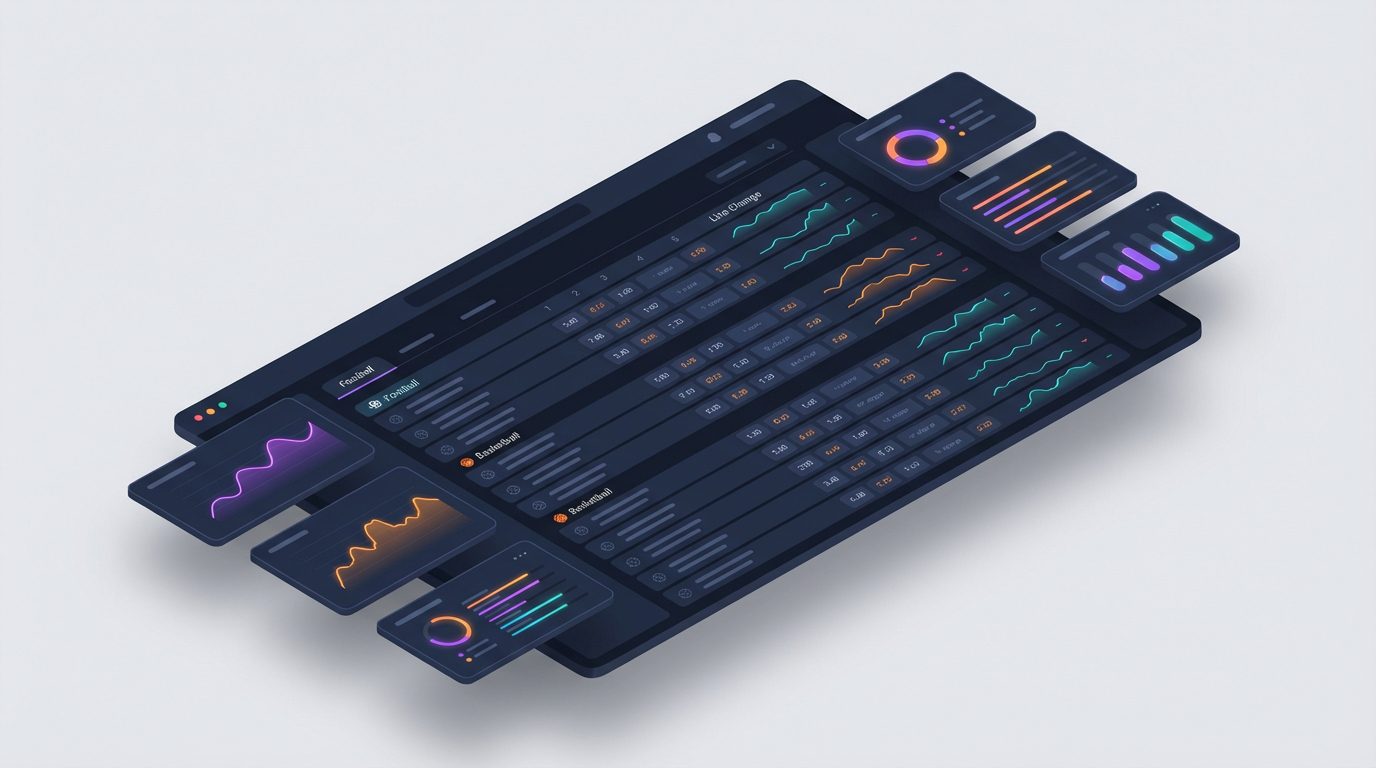
The odds widget is an interactive block on a sports website that shows visitors the current lines of betting markets for matches: outcomes, totals, spreads, additional markets. Such a widget can display both pre-match odds and live lines, highlight changes in quotes, and be supplemented with key match statistics. The data source for it is a specialized sports API, for example, the platform by the sports events API api-sport.ru, which returns structured JSON with matches, statistics, and the oddsBase field with odds.
Technically, the widget works like this: your server or frontend script makes a request to the API via HTTPS, requests a list of matches for the selected sport (football, hockey, basketball, tennis, table tennis, esports, and others), receives an array of events and betting markets in response, and then renders the odds table in the desired design. The widget then periodically updates the data via a timer or, in the future, through a WebSocket connection (on api-sport.pro such a mode will appear soon), so that users always see fresh quotes without reloading the page.
- A seamless connection of matches and odds: one request — and you get teams, score, match status, and a set of oddsBase markets.
- Support for different sports and tournaments, allowing for a unified widget for the entire project.
- Possibility of expansion: adding statistics, video highlights, dynamics of odds changes, and custom logic for highlighting lines.
Below is an example of a simple request to get a list of football matches with odds for a selected date. The response can be used as a data source for your widget.
fetch('https://api.api-sport.ru/v2/football/matches?date=2025-09-03', {
  headers: { Authorization: 'ВАШ_API_KEY' }
})
  .then(response => response.json())
  .then(data => {
    const matches = data.matches || [];
    matches.forEach(match => {
      const markets = match.oddsBase || [];
      console.log(match.id, match.homeTeam.name, 'vs', match.awayTeam.name, markets);
    });
  })
  .catch(console.error);
How to choose a sports API for obtaining odds and match statistics
When choosing a sports API for developing an odds widget, it is important to evaluate not only the availability of basic match data but also the depth of market coverage and update speed. A quality service should provide a unified interface for different sports, a convenient filtering system for tournaments and match statuses, as well as a nested block with bookmaker odds. In the API api-sport.pro this is implemented through a single endpoint /v2/{sportSlug}/matches, which returns both general information about the event and an array of oddsBase with betting markets.
Pay attention to several criteria: the breadth of the sports line (football, hockey, basketball, tennis, table tennis, esports, and other disciplines), the availability of detailed match statistics (field matchStatistics), support for live events (liveEvents), infrastructure stability, and clear documentation. Request limits and scalability are also important: if your widget is successfully monetized, traffic and load on the API will grow, and the provider must withstand this.
You can check the available sports in the API programmatically through the endpoint /v2/sport. This is convenient at the prototyping stage when you plan which disciplines to create the odds widget for.
fetch('https://api.api-sport.ru/v2/sport', {
  headers: { Authorization: 'ВАШ_API_KEY' }
})
  .then(res => res.json())
  .then(sports => {
    sports.forEach(sport => {
      console.log(sport.slug, '-', sport.translations.ru);
    });
  })
  .catch(console.error);
How to get an API key and set up access to sports event data
To start working with match and odds data, you need to register with the service and obtain a personal access key. On the platform api-sport.ru, this is done through a convenient web interface: you create an account, confirm your email, after which in the projects section in your personal account at api-sport.ru You generate an API key. One key can be used for multiple widgets and domains at the same time, provided it does not contradict the tariff conditions.
Next, it is important to correctly configure request authorization. The Sport Events API uses key transmission in the Authorization header. Any request to the endpoints /v2/{sportSlug}/matches, /v2/{sportSlug}/categories, /v2/{sportSlug}/tournament, and others must contain this header. It is recommended to make API requests from the server side (backend), rather than from the browser, to avoid exposing the key in the page’s source code and to prevent unauthorized use.
An example of a simple cURL request to the API that can be embedded in a server script or CRON job for regular data loading of matches:
curl \
  -H 'Authorization: ВАШ_API_KEY' \
  'https://api.api-sport.ru/v2/football/matches?date=2025-09-03&status=inprogress'
How to use the API to generate and update odds in real time
After gaining access to the Sport Events API, the main task becomes forming the odds structure for the widget. The endpoint /v2/{sportSlug}/matches returns the oddsBase field — this is an array of betting markets, where each object describes the market (for example, Full time 1X2), the period (Full-time, 1st half, and so on), the flags isLive and suspended, as well as a list of choices with specific outcomes and their values. For each outcome, the current decimal odds, initial initialDecimal, and change direction are specified, allowing for visual highlighting of the rise or fall of the line in the widget interface.
To ensure «almost online» updates of odds, the classic scheme includes periodic polling of the API at reasonable intervals, for example, 5–15 seconds for live matches and 1–5 minutes for pre-match. Soon, the platform api-sport.ru will support WebSocket subscriptions, allowing for changes in odds and match events to be received via a push model without constant polling. It is already possible to combine a one-time pre-match load with more frequent updates only for matches in the inprogress status, thereby reducing load and staying within limits.
An example of processing the oddsBase structure on the frontend for a single match:
function buildOddsTable(match) {
  const markets = match.oddsBase || [];
  return markets
    .filter(market => market.group === '1X2' && market.period === 'Full-time')
    .map(market => {
      const choices = market.choices || [];
      return choices.map(choice => ({
        name: choice.name,
        coef: choice.decimal,
        change: choice.change
      }));
    })
    .flat();
}
Technical integration of the odds widget on the website: implementation examples
The integration of the odds widget on the site consists of two levels: a server layer that communicates with the sports events API, and a client layer that visualizes the received data. On the server, you create a lightweight endpoint that calls the Sport Events API, caches the response, and returns it to the frontend in a convenient format. On the client side, there is a JavaScript component that requests your internal endpoint, forms the odds table, and updates it on a timer without overloading the external interface.
From the markup perspective, it is sufficient to prepare a container for the widget and connect the initialization script. You can then embed this block into any part of the site: under the match center, in the sidebar, or in a separate section with the line. Thanks to the unified API for sports and tournaments provided by the platform api-sport.ru, the same component can be easily reused for football, hockey, basketball, tennis, and other disciplines.
An example of a basic HTML structure with a client script for insertion into the site template:
<div id="odds-widget"></div>
<script>
  async function loadOdds() {
    const res = await fetch('/internal-api/odds-football-today');
    const data = await res.json();
    const container = document.getElementById('odds-widget');
    container.innerHTML = '';
    data.matches.forEach(match => {
      const row = document.createElement('div');
      row.className = 'odds-row';
      row.textContent = match.homeTeam + ' - ' + match.awayTeam + ' ' + match.coef1 + ' ' + match.coefX + ' ' + match.coef2;
      container.appendChild(row);
    });
  }
  loadOdds();
  setInterval(loadOdds, 15000);
</script>
How to set up caching and updating of odds data via the API
Proper caching is the key to a fast and stable odds widget. Instead of querying the Sport Events API directly from the browser each time, it is better to set up an intermediate server storage: Redis, Memcached, or at least a file cache. The server script periodically updates match and odds data from the API and stores it in the cache with a specified time-to-live. The frontend receives a pre-prepared compact JSON, not overloading the external API and speeding up the widget display.
For different types of data, it makes sense to set different TTLs (time to live). The calendar and tournament structure can be updated every few hours, while live odds require intervals of seconds or tens of seconds. It is also important to separate cache keys by sports, tournaments, and match statuses to avoid overloading everything at once. When planning the architecture, consider the request limits of the tariff: with thoughtful caching, you can serve significantly more traffic without increasing the load on the API.
Below is a simplified example of server-side caching in PHP, which periodically updates the data of today’s football matches and provides it for use in the frontend widget:
$cacheFile = __DIR__ . '/cache/football-today.json';
$ttl = 10; // секунды для лайв‑обновлений
if (file_exists($cacheFile) && (time() - filemtime($cacheFile) < $ttl)) {
    $json = file_get_contents($cacheFile);
} else {
    $ch = curl_init('https://api.api-sport.ru/v2/football/matches?date=' . date('Y-m-d'));
    curl_setopt($ch, CURLOPT_HTTPHEADER, ['Authorization: ВАШ_API_KEY']);
    curl_setopt($ch, CURLOPT_RETURNTRANSFER, true);
    $json = curl_exec($ch);
    curl_close($ch);
    file_put_contents($cacheFile, $json);
}
echo $json;
Limitations, costs, and request limits of sports APIs for the odds widget
Any professional sports API uses a system of tariffs and request limits. Usually, the restrictions are set in the form of a maximum number of requests per minute, hour, or day, as well as the maximum number of simultaneously served projects. The exact parameters and costs depend on the chosen tariff, so before launching the odds widget, it is important to carefully study the terms on the provider’s website and in the personal account. In the case of the platform api-sport.ru, current information on restrictions and prices is published in the public materials of the service and in the account interface.
From the perspective of the widget architecture, it is important to minimize redundant requests. Use API filters: limit the selection by date (parameter date), match status (status), tournaments (tournament_id), and categories (category_ids). This not only reduces the load on the API but also speeds up the widget’s performance. In combination with thoughtful server-side caching, you can stay within the tariff even with high traffic and a large number of simultaneously viewed pages.
An example of an optimized request that loads only the current live football matches for your widget, rather than the entire pool of events for the day:
fetch('https://api.api-sport.ru/v2/football/matches?status=inprogress', {
  headers: { Authorization: 'ВАШ_API_KEY' }
})
  .then(r => r.json())
  .then(data => {
    console.log('Всего лайв‑матчей:', data.totalMatches);
  });