Sports analytics relies on data: match results, detailed player statistics, live events, transfers, and bookmaker odds. APIs allow for the automatic retrieval of this data, normalizing it, and building forecasts, dashboards, and real-time products.
In this article, we will discuss, how to use the API Sportbox.ru for sports analytics, and at the same time, we will talk about API-sport — a popular data platform for sports. The material is aimed at developers, betting platforms, sports media, and analysts who value speed, data completeness, and reliable integration.

What is an API?
API (Application Programming Interface) is a software interface through which applications exchange data. For sports, APIs provide structured responses (usually in JSON or XML) with matches, minute statistics, bookmaker lines, schedules, etc.
API-sport is one of the services specializing in sports data: historical tables, live statistics, information about teams and players, sometimes bookmaker odds. It is valued for its combination of competition coverage and a convenient REST interface. At the same time, many projects (including Sportbox.ru) have their own APIs with local specifics — news, multimedia resources, and a Russian focus.
What data is usually available?
-
Match results (final/period-wise).
-
Live updates (goals, substitutions, red cards).
-
Detailed statistics of players and teams (passes, shots on goal, possession).
-
Historical archives and schedules.
-
Transfers and lineups.
-
Odds and lines (if integrated with bookmaker providers).
What distinguishes API-sport / local APIs from global players
-
Local focus (regional leagues and specific content).
-
Differences in format and data object model.
-
Different rates and SLAs — some providers have more free limits, while others have better coverage of live data.
How to use the Sportbox.ru API for sports analytics?
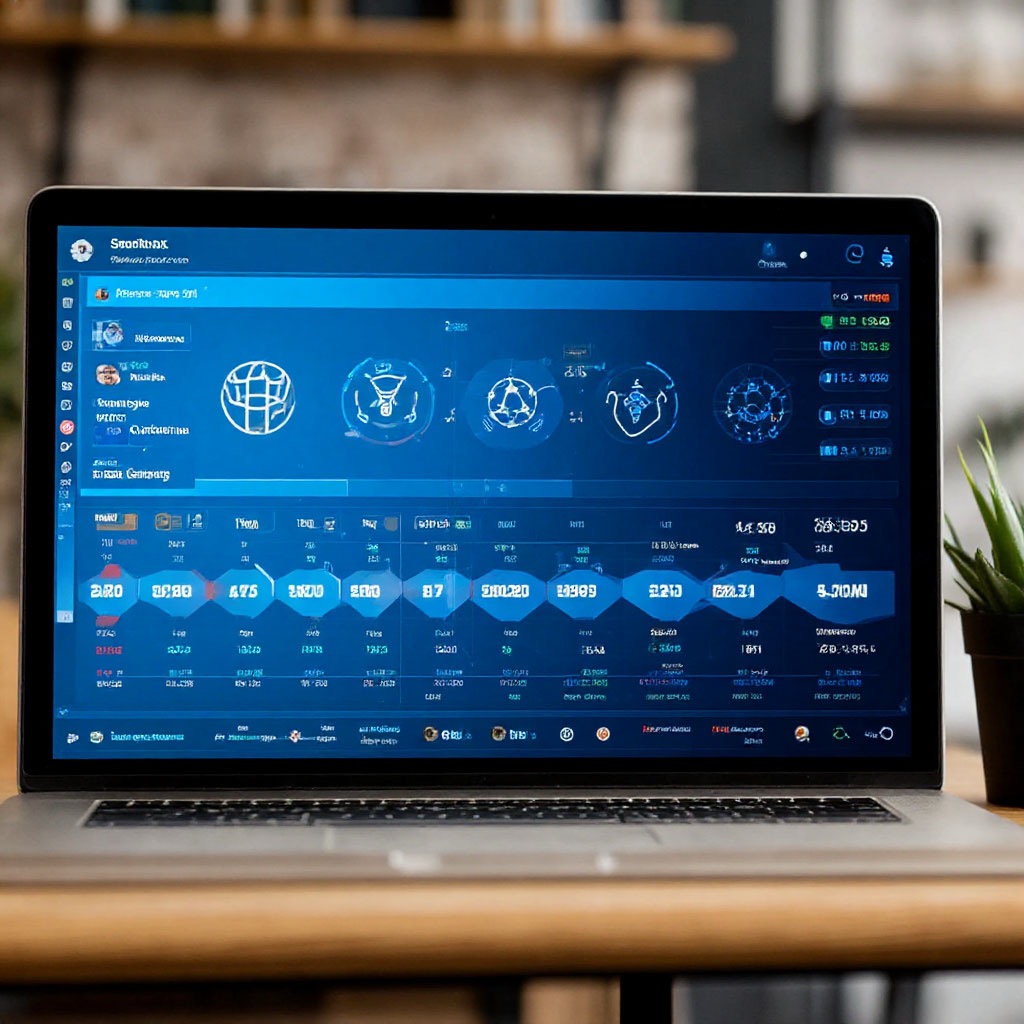 The most valuable aspect of such services is the volume and variety of information provided. Through the API Sportbox.ru and similar solutions, one can obtain detailed match results: final scores, statistics by halves, and even by individual game periods. This data allows for assessing the dynamics of the match and identifying patterns in team behavior.
Deportes soportados
Typically: football, hockey, basketball, tennis, volleyball, esports, and many regional disciplines. The specific set depends on the provider and the plan.
Technologies and formats (REST, WebSocket, JSON, XML)
-
REST is the primary method for querying historical and reference data.
-
WebSocket is recommended for live: it reduces latency and allows for receiving push updates without frequent polling.
-
Formats: JSON is the most common; XML is encountered less frequently.
-
Authentication: API keys (Bearer token), sometimes IP filtering.
How to gain access — official and alternative ways
Usually, the steps are as follows:
- Registration on the portal API (or on the development page).
- Email confirmation and project creation.
- Obtaining an API key (public/private token).
- Choosing a plan — free tier for testing or paid for production volumes.
For API-sport registration: https://app.api-sport.ru/register.
RapidAPI, SportRadar y otras plataformas proporcionan acceso a BetsAPI y Livescore API a través de sus canales. Esto es conveniente para los desarrolladores que necesitan integraciones listas y SLA confiables.
If the endpoint you need is not available or you need a convenient marketplace, you can:
-
Connect through RapidAPI — a single access point to multiple APIs.
-
Use SportRadar (or other premium providers) for more reliable/official data streams.
Advantage — quick start and unified billing; disadvantage — possible markups and limitations.
Free and paid plans — what does each model offer?
The API of Sportbox.ru, like most professional sports platforms, offers different pricing plans — from free to extended commercial subscriptions. Each of them is designed for specific goals and load levels, so it is important to understand how they differ and which one is right for you.
Free access is ideal for first steps. It allows you to test the API’s functionality, study the data structure, and create a basic prototype of an application or analytics dashboard. However, this mode usually has limitations — a small number of requests per day and access only to basic datasets, without live updates and historical archives. This will not prevent a developer or analyst from mastering integration, but for large-scale projects, the capabilities of the free plan will be insufficient.
Paid plan opens access to full functionality. Here, the limits on the number of requests are increased, data is updated in real-time, historical archives and premium information are available, such as detailed statistics by seconds of the match or advanced player metrics. This level is needed for sports media, betting platforms, and analytical systems where timeliness and depth of analysis are important.
When choosing the right plan, it is worth carefully comparing several key parameters: how often the data is updated (update frequency), what guarantees of stability and availability the provider offers (SLA), and which leagues and sports are supported within the chosen package. These details directly affect the quality and reliability of your analytics, especially when it comes to forecasts or working with live data.
Número de solicitudes por minuto/hora
-
Number of requests per minute/day.
-
Limitation on parallel connections.
-
Delay in updating live data (important for betting).
Plan for caching, backoff strategies, and error handling (429, 503).
API integration — practical connection and best practices
Python (requests, REST):
importar solicitudes
API_URL = «https://api.sportbox.ru/v1/matches» # example endpoint
API_KEY = «YOUR_API_KEY»
headers = {«Authorization»: f»Bearer {API_KEY}», «Accept»: «application/json»}
params = {«league»: «premier», «season»: «2024»}
resp = requests.get(API_URL, headers=headers, params=params, timeout=10)
resp.raise_for_status()
data = resp.json()
print(data[«matches»][:3])
JavaScript (fetch, Node / browser):
const API_URL = ‘https://api.sportbox.ru/v1/matches’;
const API_KEY = ‘YOUR_API_KEY’;
асинхронная функция getMatches() {
const res = await fetch(`${API_URL}?league=premier&season=2024`, {
headers: {
‘Authorization’: `Bearer ${API_KEY}`,
‘Accept’: ‘application/json’
}
});
if (!res.ok) throw new Error(`HTTP ${res.status}`);
const json = await res.json();
console.log(json.matches.slice(0,3));
}
getMatches().catch(console.error);
In a real project: add retry (with exponential backoff), logging, and robust parsing.
 Integración en CMS y aplicaciones móviles
 Integración en CMS y aplicaciones móviles
-
WordPress: create an intermediary layer (plugin or cron script) that writes normalized data into custom post types. This reduces the load on the API and speeds up the site.
-
Android/iOS: do not store the API key on the client. Use a proxy (backend) that adds the key and caches responses.
Uso de datos en vivo a través de WebSocket
¿Dónde se utiliza?
-
Betting and odds scanners: line collection, comparison, and arbitrage.
-
Sports analytics and predictions: building xG models, player performance ratings.
-
Media and fan applications: live reports, match cards, infographics.
-
Fantasy Sports and esports: scoring, lineup updates, live statistics.
-
BI and Big Data: storing archives for long-term analysis, machine learning.
Advantages and disadvantages of using API Sportbox.ru.
Advantages
-
Wide coverage of championships and disciplines.
-
Speed of data retrieval (with the correct subscription and WebSocket).
-
Accuracy and structure – convenient for analytics and ML.
-
Flexibility of integration: REST + WebSocket.
Cons.
-
Cost of premium levels and large limits.
-
Limitations on request frequency and access to premium data.
-
Complexity of integration: normalization of different sources, error handling, and differences in data models.

Let’s summarize
Using the API Sportbox.ru and API-sport for sports analytics is a combination of the right choice of data, integration architecture, and live stream processing strategy. Start with a small prototype: register, get a key, test the REST endpoints, and try to connect WebSocket for live data. Gradually expand the volume and switch to paid plans if necessary.
Registration: https://app.api-sport.ru/register.
Our TG channel with updates: https://t.me/apisportru.
These links will help you get started quickly: register, subscribe to the channel for timely updates, and start collecting data for building forecasts, dashboards, and products based on them. Good luck with analytics – if you want, I can prepare a ready-made ETL/template script for a specific sport (football, hockey, or esports) – just say which one to choose, and I will write the code right away.
Preguntas frecuentes
¿Hay acceso gratuito?
Yes – many providers offer a trial or free plan with limited requests, suitable for testing and prototypes.
¿Qué deportes son compatibles?
Most often: football, hockey, basketball, tennis, volleyball, esports; the set depends on the provider and the plan.
¿Es la API adecuada para apuestas?
Yes, provided there is low latency and access to live odds/lines – many use APIs for odds scanners and automated strategies.
¿Cómo conectar la API a la aplicación?
Through REST/WebSocket: get an API key, implement a backend proxy with caching and authorization, then deliver data to clients.
¿Se puede usar la API para predicciones?
Yes – data from the API (history, statistics, live) is the basis for ML/statistical forecasting models.
What to do if the request limit is exceeded?
Implement caching, batch requests, reduce polling, or upgrade the plan/add queues and backoff.