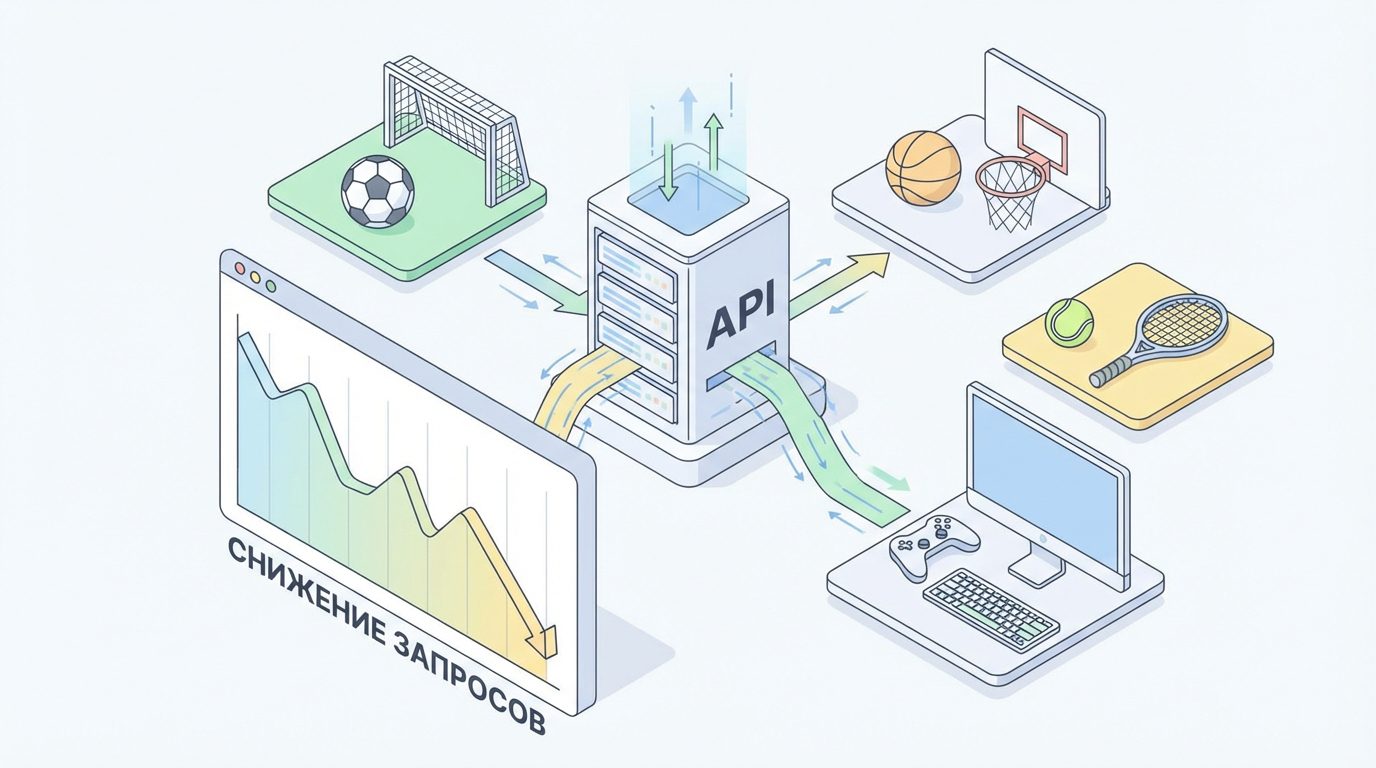
- What can be obtained through the sports events API: types of data and limitations
- Limits and pricing of the sports events API: how they affect request consumption
- How to reduce the number of API requests when processing a large number of matches
- Caching and local storage to reduce the load on the sports API
- Using webhooks and push notifications instead of frequent polling of the API
- Optimizing the structure and parameters of requests to the sports events API
- Batch requests and filtering matches in the sports API: how to reduce traffic
What can be obtained through the sports events API: types of data and limitations
A modern sports bot is built around a reliable API: it provides match schedules, live updates, statistics, and bookmaker odds. Through the sports API based on api-sport.pro you can work with dozens of sports: football, hockey, basketball, tennis, table tennis, esports, and other disciplines. Separate endpoints with convenient slugs are available for each sport, for example /v2/fútbol/ or /v2/basketball/, which simplifies the routing of requests within the bot.
Key entities you work with: sports (/v2/deporte), categories and countries, tournaments and seasons, teams, players, and of course, matches. For matches, the API returns not only basic fields (date, status, score) but also extended data: live events eventosEnVivo, the current minute of the match minutoDelPartidoActual, estadísticas detalladas estadísticasDelPartido, links to highlights momentosDestacados, as well as a base of odds oddsBase. This allows the same bot to simultaneously show the user the score, key moments, and the dynamics of bookmaker lines without connecting to third-party sources.
At the same time, it is important to remember the limitations that directly affect the consumption of requests. For example, many endpoints have limits on the number of identifiers in one request (in the API for matches, teams, and players, this is usually up to 100 IDs in the parameter ids). By default, the list of matches returns events for the current day, and more complex selection (by tournaments, status, teams) is built through filtering parameters. Proper use of these parameters allows you to get the maximum data in one request and not waste extra units of the limit.
// Пример: получение списка футбольных матчей на дату с использованием Sport Events API
fetch('https://api.api-sport.ru/v2/football/matches?date=2025-09-03', {
  headers: {
    'Authorization': 'ВАШ_API_КЛЮЧ'
  }
})
  .then(res => res.json())
  .then(data => {
    console.log('Всего матчей:', data.totalMatches);
    data.matches.forEach(match => {
      console.log(match.id, match.tournament.name, match.status, match.homeScore, match.awayScore);
    });
  })
  .catch(console.error);
Limits and pricing of the sports events API: how they affect request consumption
Almost all commercial APIs for sports events, including solutions based on the domain api-sport.pro, use billing based on the number of HTTP requests. Each call to endpoints of the type /v2/{sportSlug}/partidos or /v2/{sportSlug}/matches/{matchId} deducts units from the limit, regardless of how many matches the response returned. Therefore, the two approaches result in radically different consumption: 1000 separate requests for one match versus 10 batch requests for 100 matches each.
Limits are usually set by periods (per month, day, or minute) and by tariff plan. The more actively your bot processes live lines and statistics, the more important it is to monitor current consumption through statistics in the control panel and logging on your application’s side. When limits are overloaded, you risk encountering temporary errors, slow responses, or key blocking until the next billing period, so the architecture should be initially designed for economical consumption.
A practical approach is to calculate the cost of each scenario: how many HTTP requests the bot makes when processing one match in pre-match, live, and after the final whistle. Then, by multiplying this number by the average number of matches at peak times (for example, in the evening on a weekend), you will see the potential daily consumption. Based on these figures, it is easier to choose a tariff and implement optimizations. In your personal account on la plataforma api-sport.ru you receive an API key and can control usage by combining sports data and bookmaker odds in one project.
// Простое логирование количества запросов внутри вашего бота
class ApiClient {
  constructor(baseUrl, apiKey) {
    this.baseUrl = baseUrl;
    this.apiKey = apiKey;
    this.requestsCount = 0;
  }
  async get(path) {
    this.requestsCount++;
    const res = await fetch(this.baseUrl + path, {
      headers: { Authorization: this.apiKey }
    });
    if (!res.ok) throw new Error('API error ' + res.status);
    return res.json();
  }
}
const client = new ApiClient('https://api.api-sport.ru', 'ВАШ_API_КЛЮЧ');
(async () => {
  await client.get('/v2/football/matches');
  await client.get('/v2/football/matches?status=inprogress');
  console.log('Сделано запросов к API:', client.requestsCount);
})();
How to reduce the number of API requests when processing a large number of matches
The main principle of saving API requests with a large number of matches is not to poll all games with the same frequency. It makes sense for your bot to divide matches into groups by status: no comenzado, en progreso и completado. Pre-match events can be updated infrequently (every 10–30 minutes), completed matches — only upon the change of day or at the first user request, while live matches with the status en progreso require more frequent, yet carefully optimized polling.
The Sport Events API allows you to retrieve all matches with the desired status in one request through the parameter estado. Instead of querying by timer for hundreds of matches, /v2/{sportSlug}/matches/{matchId} you can request a single general list of live games every few seconds or minutes and update only those entities in the bot where the score, minute, or odds have actually changed. oddsBase. This approach is especially important when your project simultaneously tracks football, hockey, and esports: a single batch request for each sport is easier to scale than thousands of individual calls.
Another source of unnecessary expenses is repeated requests for match details without changes. If the response of the match list already contains fields, minutoDelPartidoActual, puntajeLocal, puntajeVisitante, as well as brief data on odds, there is no point in requesting a separate endpoint with extended information for each tick of the timer until the user opens the card for a specific match. This lazy fetching of details (on-demand) provides significant savings during peak loads.
// Получаем только лайв-матчи по футболу и обновляем их реже, чем все матчи подряд
async function loadLiveMatches() {
  const res = await fetch('https://api.api-sport.ru/v2/football/matches?status=inprogress', {
    headers: { 'Authorization': 'ВАШ_API_КЛЮЧ' }
  });
  const data = await res.json();
  data.matches.forEach(match => {
    // Обновляем только нужные поля в кеше/БД вашего бота
    updateLiveMatchInStore({
      id: match.id,
      minute: match.currentMatchMinute,
      homeScore: match.homeScore?.current,
      awayScore: match.awayScore?.current,
      odds: match.oddsBase
    });
  });
}
// Пример расписания: лайв каждые 15 секунд, прематч — раз в 10 минут
setInterval(loadLiveMatches, 15000);
Caching and local storage to reduce the load on the sports API
Caching is one of the most effective ways to reduce API request consumption when the bot works with a large number of matches and tournaments. Not all data changes every minute: information about teams, players, tournament structures, seasons, and many historical matches is practically static. It makes sense to retrieve these entities once from the Sport Events API, store them in a local database or in-memory storage (Redis, Memcached), and then serve them from the cache for each user request to the bot.
For dynamic data (live matches, bookmaker odds, live events), it is important to correctly set the cache time-to-live (TTL). For example, you can cache the list of matches for a specific date for 1-5 minutes, while detailed statistics estadísticasDelPartido и eventosEnVivo can be cached for several dozen seconds if such update frequency is sufficient for you. In this case, each request first checks the local storage, and only in the absence of an up-to-date record does it query the remote API.
Special attention should be paid to caching by keys tied to identifiers used in the Sport Events API: match IDs, tournament IDs, team IDs, player IDs. The cache structure by these keys allows for easy data reuse between different modules of the bot: a string with information about a team or player will be unique and not duplicated in hundreds of documents. As a result, any opening of a match card, viewing the lineup, or tournament table does not lead to new HTTP calls while the cache is considered fresh.
# Простейший in-memory кэш для обертки над Sport Events API
import time
import requests
API_BASE = 'https://api.api-sport.ru'
API_KEY = 'ВАШ_API_КЛЮЧ'
cache = {}

def cached_get(path, ttl=60):
  key = f"{path}"
  now = time.time()
  # Проверяем кэш
  if key in cache:
    value, expire_at = cache[key]
    if now < expire_at:
      return value
  # Запрашиваем из API
  resp = requests.get(API_BASE + path, headers={"Authorization": API_KEY})
  resp.raise_for_status()
  data = resp.json()
  # Сохраняем в кэш
  cache[key] = (data, now + ttl)
  return data
# Пример использования: кэшируем список матчей на дату на 120 секунд
matches = cached_get('/v2/football/matches?date=2025-09-03', ttl=120)
print('Матчей получено:', matches['totalMatches'])
Using webhooks and push notifications instead of frequent polling of the API
Constant polling of HTTP endpoints is not the only way to update data in a sports bot. A more economical and modern approach is to receive updates via a push model: through webhooks or a streaming connection (WebSocket). In this case, your server subscribes to changes for the necessary matches or tournaments, and the data provider sends events when a goal, card, odds update, or match status change occurs.
The advantage of this approach is that you pay not for the frequency of polling, but actually for the number of real changes. Instead of a thousand empty requests when nothing happens on the scoreboard, your bot receives only those events that truly affect the interface and calculations. The platform api-sport.pro is evolving towards real-time solutions: support for WebSocket is planned, which will allow building an architecture where the bot maintains one long-term connection and instantly reacts to events during the match.
Even before the official WebSocket appears, you can combine a hybrid scheme: periodic polling of the API at reasonable intervals plus internal push notifications between the services of your project (via message queue or event broker). This allows reducing external HTTP requests to the Sport Events API by distributing the load within your infrastructure: one service neatly polls the API and sends updates to all other components of the bot.
// Абстрактный пример потребления спортивного стрима по WebSocket
// URL и формат сообщений приведены для иллюстрации архитектуры
const ws = new WebSocket('wss://stream.api-sport.ru/football/live');
ws.onopen = () => {
  // Подписываемся на обновления по конкретным матчам
  ws.send(JSON.stringify({
    action: 'subscribe',
    matches: [14570728, 14586240]
  }));
};
ws.onmessage = (event) => {
  const message = JSON.parse(event.data);
  // message может содержать новые liveEvents, счет, коэффициенты и т.п.
  handleLiveUpdate(message);
};
ws.onclose = () => {
  // Логика переподключения
  setTimeout(() => connectAgain(), 3000);
};
Optimizing the structure and parameters of requests to the sports events API
For a bot processing hundreds and thousands of matches to use the minimum number of requests, it is important to correctly use the parameters of the sports API from the very beginning. Instead of requesting all matches in a row and filtering them in the code, it is more efficient to set filters in the URL: fecha, estado, torneo_id, equipo_id, categoría_ids. This way you get only those events that are truly needed for a specific scenario: live feed for selected tournaments, schedule for one country, list of matches for a specific team, etc.
The choice of endpoints also plays an important role. If you only need general information about a large number of matches, use the match list /v2/{sportSlug}/partidos with filters and avoid mass calls /v2/{sportSlug}/matches/{matchId}. Request details for a specific game only when the user opens its card or when the algorithm really needs in-depth statistics. A similar approach applies to data on players and teams: combine requests by parameter ids where possible.
A separate advantage of the Sport Events API is the ability to filter matches simultaneously by several tournaments through the parameter torneo_id, passing the list of IDs separated by commas. This allows building, for example, a separate stream for top tournaments (Champions League, national leagues, esports championships), without making unnecessary requests for each league. Using the documentation on the official website api-sport.pro, you will be able to select optimal combinations of parameters for your tasks and significantly reduce the volume of transmitted data.
// Получаем только нужные турниры и только лайв-матчи по футболу
const tournamentIds = '7,17,25182'; // несколько турниров через запятую
fetch(`https://api.api-sport.ru/v2/football/matches?status=inprogress&tournament_id=${tournamentIds}`, {
  headers: { 'Authorization': 'ВАШ_API_КЛЮЧ' }
})
  .then(r => r.json())
  .then(data => {
    console.log('Лайв-матчи в избранных турнирах:', data.totalMatches);
    data.matches.forEach(m => console.log(m.id, m.tournament.name, m.currentMatchMinute));
  });
Batch requests and filtering matches in the sports API: how to reduce traffic
When the bot tracks thousands of events simultaneously, the main «consumer» of limits is the large number of similar requests for individual matches, players, or teams. The Sport Events API solves this problem by supporting a batch approach through parameters ids in the endpoints for matches, teams, and players, as well as through filtering by multiple tournaments and categories. Instead of requesting one match at a time, you can pass up to 100 IDs in a single request, thereby reducing limit consumption by dozens of times.
A typical scenario: your bot collects a list of interesting matches (for example, all games with open bets or active user subscriptions) and breaks them into chunks of 100 IDs. Then, for each chunk, a single request is sent to /v2/{sportSlug}/matches?ids=..., and all data is saved to local storage. Resynchronization is built according to the same rules: you only update those groups of matches where changes are expected (live statuses, odds dynamics, new live events).
A similar approach is applied to players with teams, especially when you are building advanced analytics or separate profiles. Instead of mass requests for a single ID, use batches, and then distribute the data through your project’s internal API. Thus, the external Sport Events API becomes the single source of truth, but access to it occurs significantly less frequently, and the bot’s internal services no longer consume external limits.
# Пример батч-запросов к списку матчей по их ID
import math
import requests
API_BASE = 'https://api.api-sport.ru'
API_KEY = 'ВАШ_API_КЛЮЧ'
match_ids = [14570728, 14586240, 14590001, 14590002, 14590003]  # пример ID
chunk_size = 100
headers = {"Authorization": API_KEY}
for i in range(0, len(match_ids), chunk_size):
  chunk = match_ids[i:i + chunk_size]
  ids_param = ','.join(str(mid) for mid in chunk)
  url = f"{API_BASE}/v2/football/matches?ids={ids_param}"
  resp = requests.get(url, headers=headers)
  resp.raise_for_status()
  data = resp.json()
  print('Батч матчей:', data['totalMatches'])
  # Сохраняем/обновляем матчи в локальном хранилище