- What is an embed widget for sports events and how does it work
- How to choose and connect the sports events API for the embed widget
- How to get match data and statistics via API for the website widget
- How to create a universal embed widget for sports events for any website
- How to customize the parameters and appearance of the embed widget to match the website design
- How to integrate the embed widget for sports events into popular CMS and website builders
- Security and limitations when using the sports events API in the embed widget
What is an embed widget for sports events and how does it work
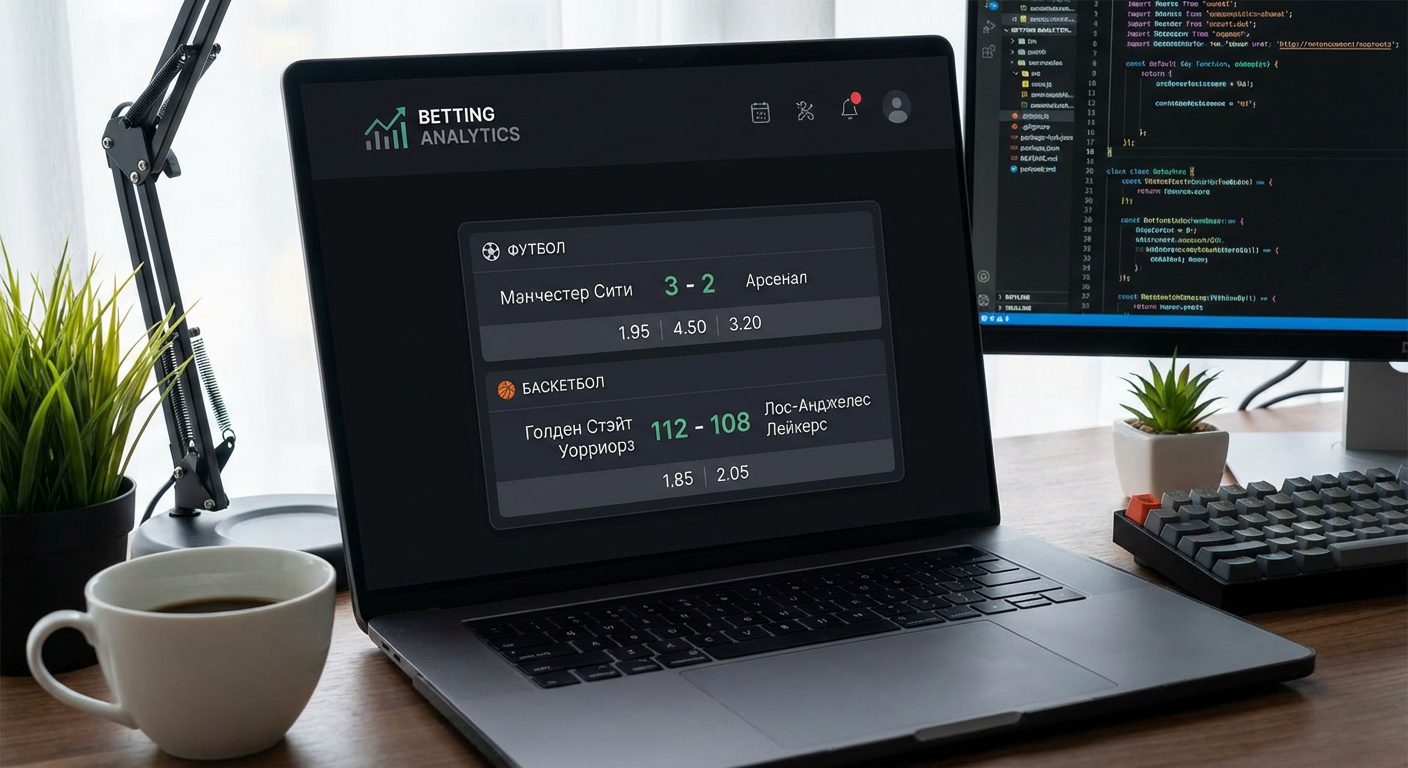
The embed widget for sports events is a small piece of code that is embedded in the page and automatically loads current data about matches, scores, statistics, and odds. This block does not require the website owner to manually update: all information is taken from a reliable sports events API and is updated in real-time or at a specified interval. As a result, any website, from media to blogs or betting portals, receives live sports content without developing complex internal infrastructure.
Technologically, the embed widget is a JavaScript component that, when the page loads, sends requests to the server, receives structured data in JSON format, and renders it in a user-friendly interface. The data source is a specialized service, such as API de datos deportivos api-sport.ru, which aggregates information on various sports (football, hockey, basketball, tennis, table tennis, esports, and others) and from bookmakers’ APIs: lines, odds, and price movements. Because of this, the same widget can display both match results and betting markets with current odds.
The main value of such a solution lies in its universality and speed of implementation. The developer does not need to negotiate with dozens of suppliers, write complex parsers, and maintain a data storage. It is enough to connect a ready-made API, obtain a key in the system, and configure the client widget: choose a sport, tournaments, necessary betting markets, and interface language. Soon, such widgets will be able to be enhanced with WebSocket technologies (for instant live updates) and AI (for smart suggestions, personalized match selections, and predictive statistics), which are also planned in the api-sport.ru ecosystem.
How to choose and connect the sports events API for the embed widget
The key to the stable operation of the embed widget is the correctly chosen sports events API. When selecting a provider, it is important to consider several parameters: the breadth of coverage by sports and tournaments, the depth of statistics, the availability of live data, bookmaker odds, as well as the quality of documentation and server response speed. The service should have transparent rules regarding request limits, clear pricing, and technical support ready to assist with integration. All of this is critical if you plan to deploy a universal widget on dozens or hundreds of partner sites.
The API of the platform api-sport.pro is built specifically for such scenarios. Through a single interface, you gain access to matches in football, hockey, basketball, tennis, table tennis, esports, and other disciplines. The responses include team lineups, detailed statistics (field estadísticasDelPartido), live events (eventosEnVivo), video highlights (momentosDestacados) and bookmaker odds (oddsBase). To get started, it is enough to register and obtain an API key in tu cuenta personal en api-sport.ru, after which you will be able to authorize requests with the header Autorización.
Connecting the API comes down to making HTTP requests to the corresponding endpoints. For example, to get a list of available sports and basic paths, it is enough to refer to the resource /v2/deporte. This is a convenient starting point for the dynamic configuration of your widget: based on the response, you can build dropdown lists for selecting a sport, as well as automatically generate URLs for subsequent requests for matches and tournaments.
// Пример: получение списка видов спорта для конфигурации виджета
fetch('https://api.api-sport.ru/v2/sport', {
  headers: {
    'Authorization': 'YOUR_API_KEY'
  }
})
  .then(response => response.json())
  .then(data => {
    // data - массив видов спорта с полем apiBasePath
    console.log('Доступные виды спорта:', data);
  })
  .catch(console.error);
How to get match data and statistics via API for the website widget
After connecting the API, the next task is to correctly form requests to obtain the data that you will populate the embed widget with. The basic scenario: display today’s or upcoming matches for the selected sport and tournaments. For this, the Sport Events API uses the endpoint /v2/{sportSlug}/partidos, where {sportSlug} — the slug of the sport (for example, fútbol, baloncesto, tenis). The request parameters allow you to filter matches by date (fecha), tournament (torneo_id), temporada (temporada_id), equipo (equipo_id) and status (for example, only en progreso for live).
In the response, you receive not only a list of matches but also related entities: tournament, category (country/region), season, stadium, teams, current score, as well as an extended statistics block. estadísticasDelPartido. For each match, you can additionally request detailed events through /v2/{sportSlug}/matches/{matchId}/events or get bookmaker odds directly from the match object in the array oddsBase. This data allows you to build complex widgets: event timelines, team statistics comparison, tables with lines and odds movement.
Below is an example of a simple request that retrieves football matches for today with basic statistics and odds. Such code can be run both in the backend and in the client script (provided the key is properly protected).
// Пример: получение матчей футбола на сегодня с фильтром по статусу
const apiKey = 'YOUR_API_KEY';
const today = new Date().toISOString().slice(0, 10); // YYYY-MM-DD
fetch(`https://api.api-sport.ru/v2/football/matches?date=${today}&status=inprogress`, {
  headers: {
    'Authorization': apiKey
  }
})
  .then(res => res.json())
  .then(payload => {
    const matches = payload.matches || [];
    matches.forEach(match => {
      console.log(match.id, match.tournament.name, match.homeTeam.name, '-', match.awayTeam.name);
      console.log('Счёт:', match.homeScore.current, ':', match.awayScore.current);
      console.log('Коэффициенты 1X2:', match.oddsBase);
    });
  })
  .catch(console.error);
How to create a universal embed widget for sports events for any website
The universal embed widget should be equally easy to integrate into any websites, regardless of their CMS, builder, or technology stack. In practice, this means an architecture of «one line of code — one widget.» Usually, a separate JavaScript file is implemented, hosted on your server or CDN, and a small HTML fragment that the partner inserts into the page. The script automatically finds the container for the widget, reads the settings from the attributes data-* and loads data from the sports events API.
For the widget to be truly universal, the configuration must describe all key parameters: sport type (sportSlug), list of tournaments or teams, content type (betting line, results, live center), interface language, odds format. The source for these parameters is the API: through endpoints /v2/deporte и /v2/{sportSlug}/categorías you can provide the site administrator with a convenient interface for selecting the necessary tournaments, and the widget itself will receive only the necessary matches through filters (torneo_id, equipo_idThis approach allows using the same widget code on a news portal, in a blog, and on a bookmaker’s site, changing only the configuration.
Below is an example of a typical snippet for a universal widget that the site owner adds to the page code. Inside the main library, you can use both HTTP polling and, in the future, WebSocket subscriptions to live data and the AI model api-sport.ru for smart tips and personalized match selections.
<!-- Контейнер универсального embed‑виджета -->
<div id="sport-widget"
     data-sport="football"
     data-tournament-id="7,17"   ></div>
<script src="https://your-cdn.com/sport-widget.js" async></script>
<script>
  window.initSportWidget && window.initSportWidget({
    containerId: 'sport-widget',
    sportSlug: 'football',
    showOdds: true,
    locale: 'ru',
    theme: 'dark'
  });
</script>
How to customize the parameters and appearance of the embed widget to match the website design
Even the most informative embed widget should visually match the site’s design: color palette, fonts, margins, icon style. A common practice is to move visual settings to configuration and/or CSS variables. The widget can accept theme parameters (theme), primary colors (primaryColor, backgroundColor), border radius, as well as switches for displaying individual blocks: betting lines, advanced statistics, video highlights. Data from the API (tournament names, teams, statistical indicators) remains unchanged, while the way it is presented is tailored to the partner site’s brand.
The API of the platform api-sport.pro helps to flexibly configure the content part of the widget. In the responses, many entities contain translations through the field translations, allowing you to switch the widget language without changing the logic. Match query parameters allow you to control the saturation of the block: from a concise score line to detailed groups of statistics from the array estadísticasDelPartido, as well as connect odds from oddsBase. All this allows you to create different versions of the same widget: a «lightweight» one for the sidebar and an extended one for a separate match page.
Below is an example of how to set basic appearance parameters through configuration and CSS variables. This approach is convenient for integration with any design systems and CMS themes.
/* Пример CSS‑переменных для темы виджета */
#sport-widget {
  --widget-bg: #0b1020;
  --widget-text: #ffffff;
  --widget-accent: #ffcc00;
  --widget-border-radius: 8px;
}
// Инициализация виджета с параметрами темы
window.initSportWidget({
  containerId: 'sport-widget',
  sportSlug: 'basketball',
  locale: 'ru',
  showOdds: true,
  theme: {
    background: 'var(--widget-bg)',
    text: 'var(--widget-text)',
    accent: 'var(--widget-accent)',
    borderRadius: 'var(--widget-border-radius)'
  }
});
How to integrate the embed widget for sports events into popular CMS and website builders
The main requirement for a universal embed widget is ease of integration into any CMS or website builder. In most systems (WordPress, 1C-Bitrix, Tilda, Webflow, etc.), it is enough to add an HTML block or a «Code Insertion» widget, where the administrator copies a pre-prepared snippet. The script must be standalone: without dependencies on the site’s frameworks, with neutral CSS classes and isolated styles, so as not to conflict with the existing layout.
For WordPress, you can prepare both a direct HTML fragment and a short shortcode that will generate the necessary container and widget initialization script. The logic of operation does not change: your frontend script accesses the sports events API and, if necessary, the bookmakers’ API for odds, and then renders the interface inside the specified container. If your widget is used on multiple client sites, it makes sense to store the insertion template in a separate instruction and update it centrally when new features are released, such as connecting WebSocket or AI modules.
Below is an example of code that can be inserted into the HTML block of any page or post. Its structure is as simple and clear as possible for site administrators.
<!-- Встраивание универсального виджета в CMS -->
<div id="sport-widget"
     data-sport="ice-hockey"
     data-status="inprogress"></div>
<script src="https://your-cdn.com/sport-widget.js" async></script>
<script>
  document.addEventListener('DOMContentLoaded', function () {
    window.initSportWidget({
      containerId: 'sport-widget',
      sportSlug: 'ice-hockey',
      locale: 'ru',
      showOdds: true
    });
  });
</script>
Security and limitations when using the sports events API in the embed widget
When working with any external API, it is important to consider security issues and compliance with usage limits. The API key issued in the system la cuenta personal api-sport.ru, is tied to your account and tariff, so its leakage can lead to unauthorized consumption of limits. It is recommended to move calls to the Sport Events API and bookmakers’ API to the server side and use the embed widget as a thin client that receives already aggregated data from your backend. This approach allows you to hide the key, implement centralized caching, comply with request limits, and, if necessary, implement additional business logic.
In addition to protecting the key, it is important to handle errors and edge cases correctly: exceeding limits, unavailability of individual endpoints, lack of data for specific tournaments or matches. The widget should gracefully degrade: show placeholders, the latest cached data, or messages to the user without critical interface failures. Attention should also be paid to the load on the client: during intensive updates of live data, it is advisable to use WebSocket subscriptions (as soon as they appear in the api-sport.ru ecosystem) or optimized pooling with reasonable intervals to avoid exhausting the request quota and overloading the user’s browser.
Below is an example of a simple proxy server on Node.js that safely redirects requests from the widget to the Sport Events API. In a real project, you can enhance it with an authentication system, caching, and logging.
// Простой Node.js-прокси для запросов виджета
import express from 'express';
import fetch from 'node-fetch';
const app = express();
const API_KEY = process.env.SPORT_API_KEY;
app.get('/api/matches', async (req, res) => {
  const { sport = 'football', date } = req.query;
  const url = `https://api.api-sport.ru/v2/${sport}/matches?date=${date}`;
  try {
    const response = await fetch(url, {
      headers: { Authorization: API_KEY }
    });
    const data = await response.json();
    res.json(data);
  } catch (e) {
    res.status(502).json({ error: 'Upstream API error' });
  }
});
app.listen(3000);