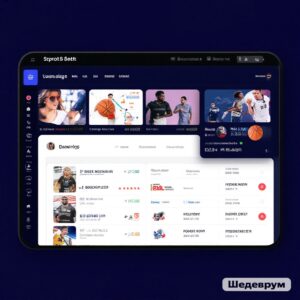
Sports services work with huge volumes of data — match results, team compositions, bookmaker odds, transfers, and even forecasts based on analytics. Collecting all this manually is impossible, and this is where sports APIs come to the rescue. They allow connecting current data directly to applications, websites, and platforms.
Among such solutions stands out API-sport — a service that provides access to live results, statistics, and archival data for a multitude of sports. This is especially useful for:
-
mobile and web application developers,
-
betting platforms and odds scanners,
-
sports media and fan communities,
-
analysts and Big Data specialists.

What is API-sport?
API (Application Programming Interface) is a way of interaction between an application and a data source. API-sport is one of the most popular providers of sports information.
Service API-sport emerged in response to the growing demand in the field of sports data and quickly gained popularity worldwide. Today, it is used by thousands of projects — from small fan sites to large analytical platforms. The main reason for such demand lies in the high accuracy of information and speed of updates, which is especially important for live results and betting.
The platform provides a huge array of data: real-time match results, bookmaker line odds, tournament tables, player and team statistics, transfer information, and even access to archives of past seasons. Thanks to this, developers can build not just informational services, but full-fledged analytical systems.
The main features of API-sport include a wide coverage of sports, support for integration via REST and WebSocket, as well as a convenient tariff system suitable for both beginners and large companies. Detailed documentation makes the implementation process as simple and clear as possible.
Unlike many competitors, API-sport is not limited to just recording the match score. It provides extended analytics: player statistics, head-to-head history, tournament dynamics. This turns data from a set of numbers into a full-fledged tool for predictions, betting, and analysis.
How to integrate sports API in Python / JavaScript / WordPress?
Integrating a sports API is not just connecting to a results database, but creating a complete source of information that can be embedded into websites, mobile applications, and analytical platforms. Through API-sport developers gain access to a wide range of data that can be used for various tasks.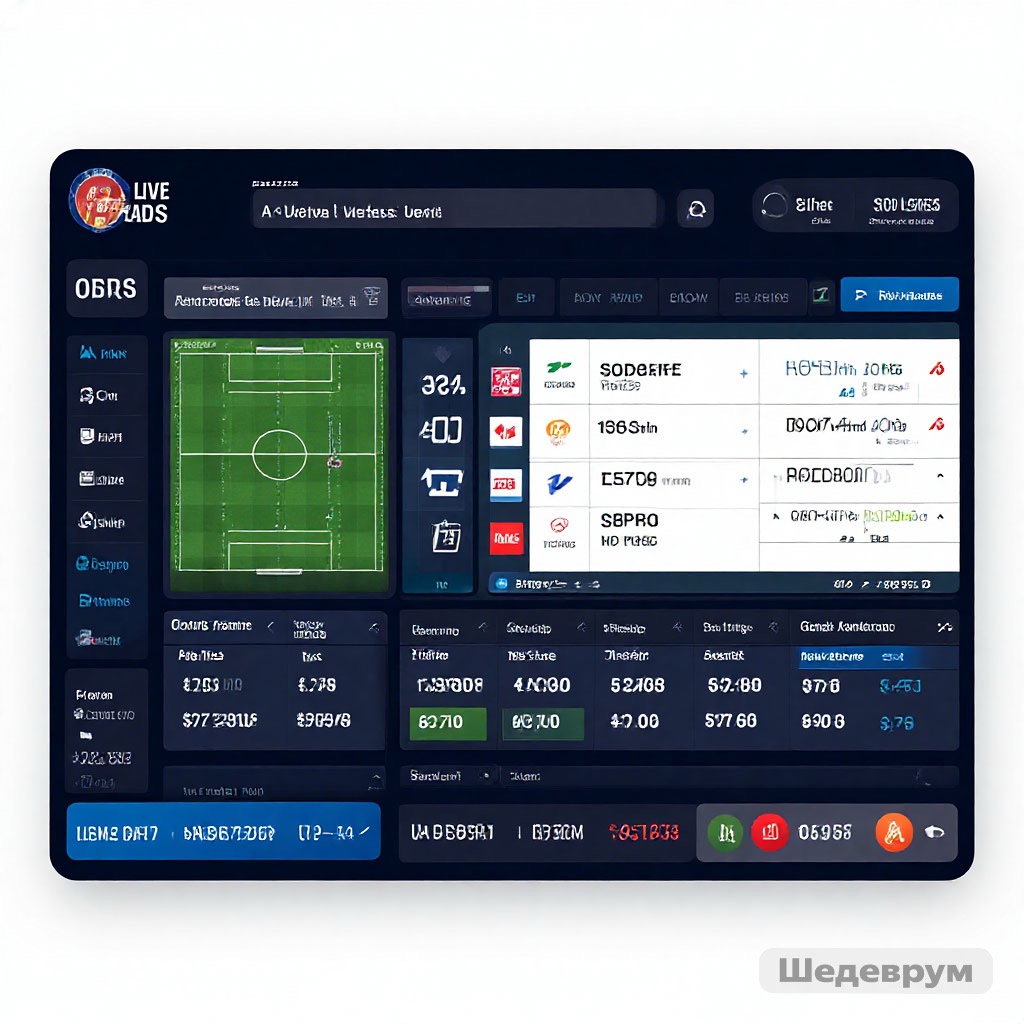
-
Real-time match results.
This is the foundation of any sports application. The service allows for live scores to be received literally seconds after a change on the field. For fan applications, this means relevance, and for betting, it means a competitive advantage, as each update of odds directly depends on the current score. -
Odds for betting.
In addition to statistics, the API provides bookmaker lines. This data is used by arbitrage situation scanners (arbitrage), prediction services, and analytical platforms. Developers can automatically collect odds from different providers and display them in real-time. -
Team lineups and changes in them.
One of the important indicators is the current lineup — who is playing in the match, who is injured or substituted. This data is especially valuable for sports analytics and prediction applications, where it is important to consider all details before the game. -
Detailed player statistics.
The API provides advanced metrics: number of goals, assists, minutes on the field, cards, attack efficiency, and even metrics by positions. Thanks to this, it is possible to build not just match summaries, but full-fledged analytics systems for coaches, scouts, and Fantasy Sports enthusiasts. -
History of games and transfers.
Archive data allows studying the dynamics of the team and players over the seasons. Information about transfers helps to understand how changes in the roster affect results. This data is in demand both in the media and blogs, as well as in large analytical projects working with forecasts and machine learning.
Integration of sports API in Python, JavaScript, or WordPress is a universal solution. Python API is often used for analytical models and forecasts. JavaScript is more suitable for displaying live data on websites and in web applications. And WordPress is for news portals, fan communities, and bookmaker sites where sports content is updated automatically.
Supported sports
Football, hockey, basketball, tennis, volleyball, baseball, handball, as well as esports (CS:GO, Dota 2, etc.).
Technologies and formats
-
REST API,
-
WebSocket (for working with live data),
-
formats JSON and XML.
How to access the API?
To take advantage of the capabilities API-sport, the first step is to register on the official platform. After creating an account, the user is provided with a personal API key, which serves as a «pass» to the service’s data.
-
Registration: takes a few minutes, just provide an email and password.
-
API key: a unique code that is inserted into each request, confirming that the data is being requested by your project.
-
Tariff selection: depending on the tasks, you can use a trial (free) access or switch to professional packages with extended features.
This option is the most reliable, as it provides direct access to the data without intermediaries, and also guarantees timely updates and support.
10. RapidAPI, SportRadar, and other platforms provide access to BetsAPI and Livescore API through their channels. This is convenient for developers who need ready-made integrations and reliable SLAs.
Not all projects connect directly — there are aggregator platforms through which you can also access the API-sport data. Among popular solutions:
-
RapidAPI — a universal API aggregator for various services. It allows you to test API-sport without separate registration, but adds its own system of tariffs and limitations.
-
SportRadar — a major provider of sports data, which also offers analytics and forecasts, but the cost of its services is significantly higher.
Convenient for testing and quick integration in small projects, however, for large-scale solutions, it often turns out to be less cost-effective due to higher prices and limited response speed.
 12. Free plans usually include limited access to historical data and basic statistics. Paid subscriptions unlock:
 12. Free plans usually include limited access to historical data and basic statistics. Paid subscriptions unlock:
API-sport offers a flexible tariff system:
Free access — suitable for testing or educational projects. Usually limited by the number of requests (for example, a few hundred per day) and does not always provide access to live data.
Paid plans — unlock full functionality:
- access to player and team statistics,
- archived data for many seasons,
- live results without delays,
- extended limits on the number of requests.
Thanks to this, you can choose the optimal option — from a simple test to a professional tariff for large platforms.
17. Number of requests per minute/hour
When working with the API, it is important to consider technical limitations. They depend on the chosen tariff and include:
-
The number of requests per minute or per day — free tariffs allow sending a limited number of requests, while PRO tariffs significantly expand the limit.
-
Data update speed — on free plans, information may arrive with a slight delay, which is critical for live betting.
-
Available types of data — not all statistical indicators and archives are open without a subscription.
-
Data formats — JSON is usually always available, but extended access may be required for XML or WebSocket.
These restrictions help balance the load on the servers, and allow the user to choose the appropriate package for their project.
API Integration
Connection examples (Python, JavaScript)
Python:
import requests
url = «https://api.sportsdata.io/v4/soccer/scores/json/Teams»
headers = {«Ocp-Apim-Subscription-Key»: «YOUR_API_KEY»}
response = requests.get(url, headers=headers)
print(response.json())
JavaScript (Node.js):
const axios = require(‘axios’);
const options = {
method: ‘GET’,
url: ‘https://api.sportsdata.io/v4/soccer/scores/json/Teams’,
headers: { ‘Ocp-Apim-Subscription-Key’: ‘YOUR_API_KEY’ }
};
axios.request(options).then(response => {
console.log(response.data);
}).catch(error => {
console.error(error);
});
Integration into CMS and mobile applications
-
WordPress: connection via plugins or custom widgets with API requests.
-
Mobile applications (Android/iOS): integration via REST API or WebSocket for live data.
Using live data via WebSocket
Unlike server polling, WebSocket allows for real-time updates, which is critical for betting and live broadcasts.
Where is it used?
-
In betting and odds scanners.
-
In sports analytics and forecasts.
-
In media and fan applications.
-
In Fantasy Sports and esports.
-
In BI systems and Big Data projects.

In summary
Integration of sports API in Python, JavaScript, or WordPress provides access to powerful sports data: live scores, odds, statistics, and archives. The API-sport service has become one of the leaders due to its convenience, speed, and wide coverage. Whether you are creating a betting site, an analytical platform, or a fan application — the API solves the task of obtaining data quickly and in the required format.
👉 You can register here: https://app.api-sport.ru/register
👉 Our Telegram channel with updates: https://t.me/apisportru.
FAQ
Is there free access?
Yes, a test tariff with request limitations is provided.
What sports are supported?
Football, hockey, basketball, tennis, esports, and many others.
Is the API suitable for betting?
Yes, the service provides odds and statistics, making it convenient for betting projects.
How to connect the API to the application?
It is enough to use REST or WebSocket requests. Code examples are available in the official documentation and above.
Can the API be used for predictions?
Yes, thanks to player and team statistics, historical data, and live results.
Is WordPress supported?
Yes, sports data can be integrated into the site through plugins or custom integrations.